用Visual Studio 2008打包成可安裝的程式
就是那種可以按下一步下一步的那種安裝程式
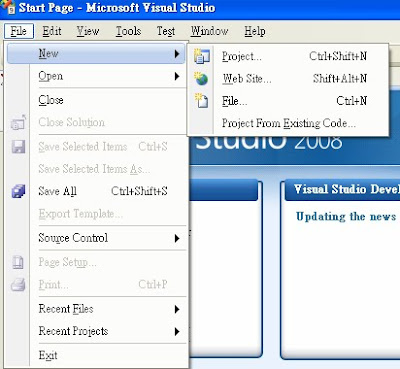
File->New->Project
Project types->Other Project Types->Setup Wizard
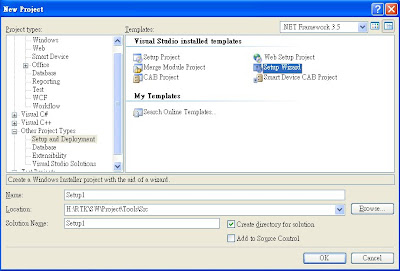
Press OK
Next->
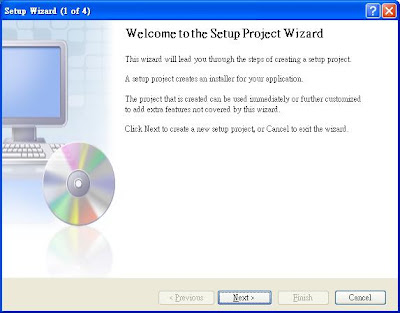
Next->
with "Create a setup for a Windows application"
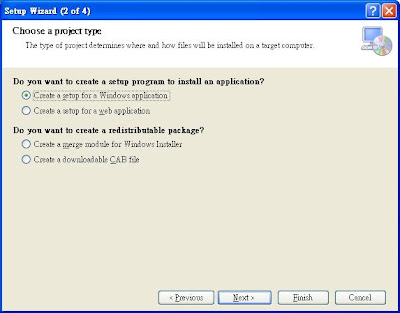
Add a file ( or execute file)
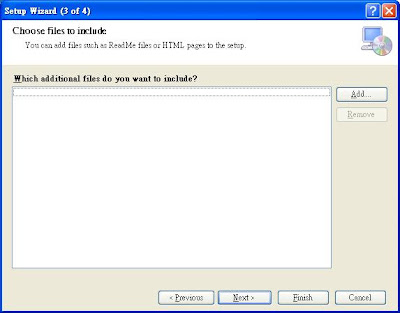
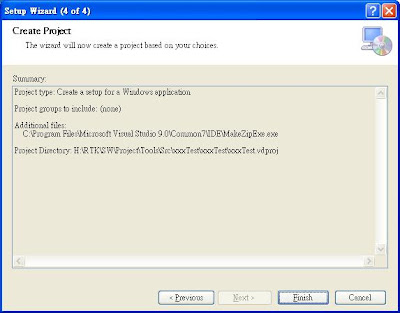
Choose a file and press finish button.
- Want to add the desktop's shotcut
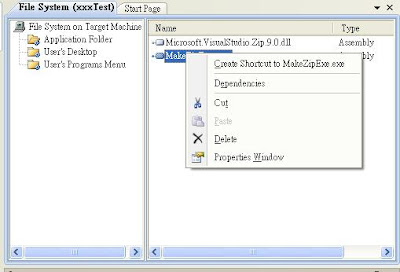
In "Application Folder"
choose a execte file and press the right button of mouse
You can see the menu - "Create Shoutcut to xx.exe"
and click it.
Then you can see "Shortcut to xx.exe" in Application Folder
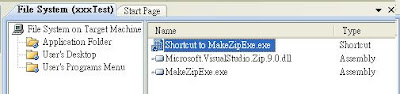
You just need to drag this to the category - "User's Desktop"
Here, I need to appreciate Vincent to try this for me.
Now, you just need to build the project and it will auto generate the setup.exe
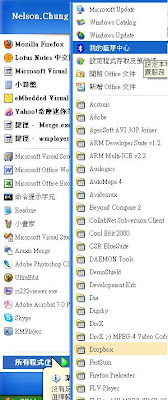
You can use the same way to create User's Programs Menu if you want to create like the following picture.
Finally,
I also want to thank Nathan and Charles to provide the idea to call help on plurk.
And,
Thanks Auron to provide me the tool - InstallSimple that can do the same thing.
But, I decide not to use the tool because of that declaration is not suitable for commercial .
Add,
You can follow the step if you want to add icon.
choose your shortcut item
enter Properties page
modify icon:None

to (Browse...)
press the button - "Browser..."
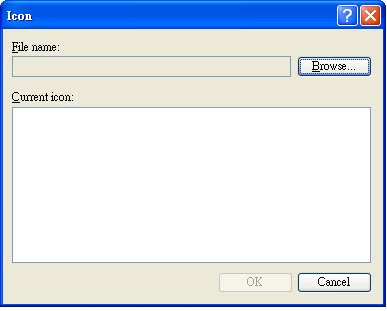
choose the icon that you want to add in.


